How AI Automation Helps Small Businesses Save Time and Grow Faster
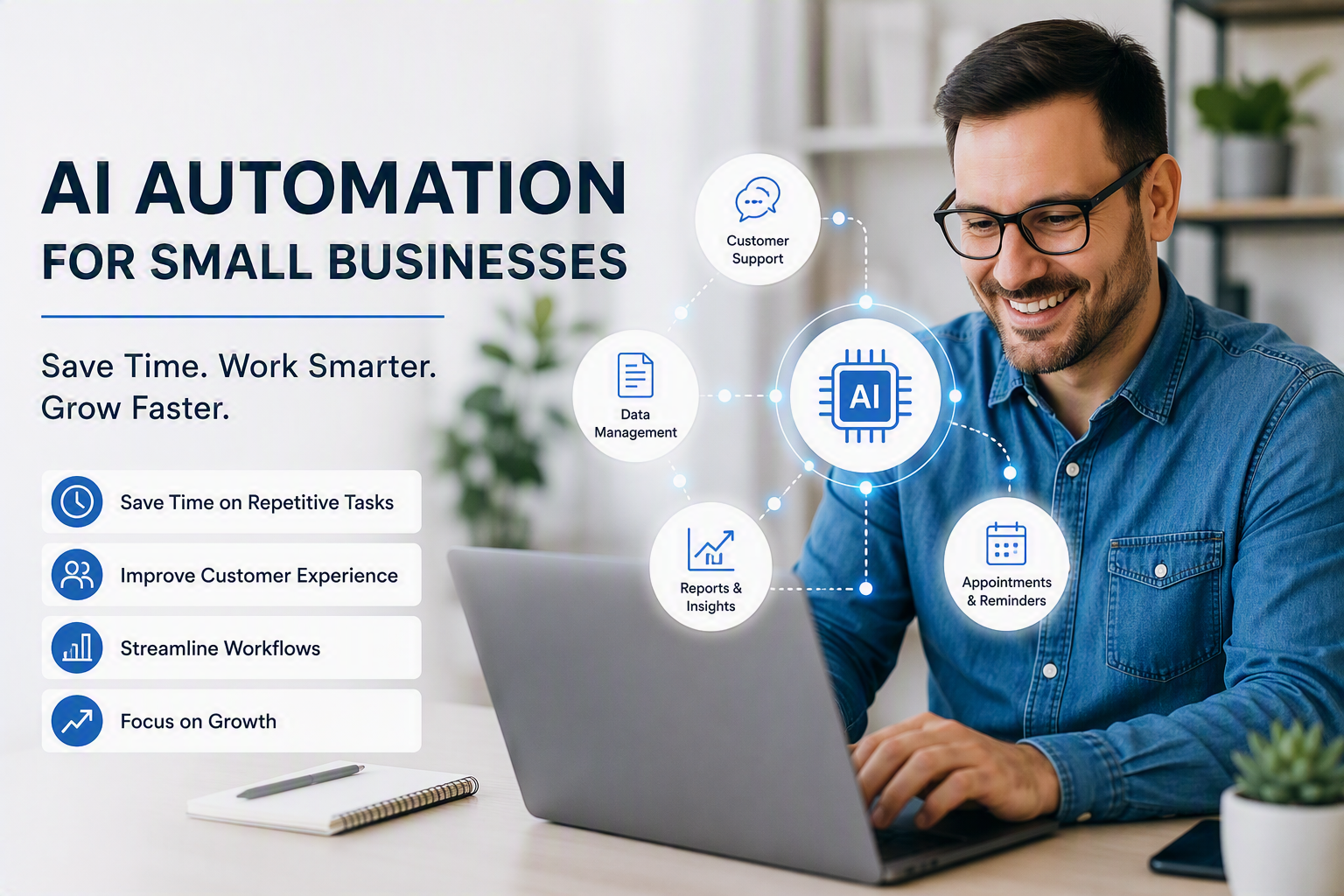
How AI Automation Helps Small Businesses Save Time and Grow Faster
Running a small business often means managing many responsibilities at once. You may be responding to customers, preparing invoices, updating spreadsheets, creating marketing content, and following up with leads, all in the same day.
AI automation can make this workload easier.
Instead of replacing people, the most useful AI tools handle repetitive tasks, organize information, and help teams complete routine work more efficiently. This gives business owners and employees more time to focus on customers, strategy, and growth.
What Is AI Automation?
AI automation combines artificial intelligence with automated workflows.
Traditional automation follows a fixed set of instructions. For example, it might send a standard email whenever someone completes a contact form.
AI-powered automation can go further. It may analyze the information submitted, identify the customer’s likely needs, prepare a personalized response, and route the request to the appropriate team member.
In simple terms:
> Automation completes repeatable tasks, while AI helps the system understand information and make useful recommendations.
Why AI Automation Matters for Small Businesses
Small businesses usually operate with limited time, budgets, and staff. Employees may spend hours every week completing administrative tasks that are important but do not directly create new revenue.
AI automation can help a business:
- Reduce repetitive manual work
- Respond to customers more quickly
- Maintain consistent processes
- Organize business information
- Improve employee productivity
- Scale operations without immediately increasing headcount
The objective is not to automate everything. The goal is to identify tasks that consume time without requiring significant human judgment.
1. Automate Customer Enquiries
Customers expect timely answers, but responding manually to every question can be difficult.
An AI assistant can help answer common questions about:
- Business hours
- Product availability
- Pricing
- Order status
- Appointment scheduling
- Refund or return policies
More complicated or sensitive enquiries should still be transferred to a person. A well-designed system handles basic requests while making it easy for customers to reach a human when necessary.
Example workflow:
- A customer submits a question through the website.
- AI identifies the subject of the enquiry.
- The system prepares or sends an appropriate response.
- Complex requests are assigned to a team member.
- The conversation is recorded for future reference.
This can improve response times without making the customer experience feel disconnected.
2. Simplify Lead Management
Businesses often lose opportunities because enquiries are not recorded, assigned, or followed up consistently.
AI automation can capture leads from website forms, email, advertising campaigns, and social media. It can then organize those leads inside a customer relationship management system.
A practical workflow might:
- Add a new contact to the CRM
- Categorize the enquiry
- Assign the lead to a salesperson
- Prepare a personalized follow-up email
- Schedule a reminder
- Notify the team when a lead takes an important action
This creates a repeatable sales process and reduces the chance of potential customers being overlooked.
3. Create Marketing Content More Efficiently
Producing content regularly can be challenging for a small team. AI can help create first drafts for:
- Blog posts
- Email newsletters
- Social media captions
- Product descriptions
- Frequently asked questions
- Advertising ideas
However, AI-generated content should not be published without review.
A person should check every draft for accuracy, tone, originality, and relevance. The strongest approach is to use AI as a writing assistant rather than as an unsupervised publisher.
> Let AI create the first draft, then add your experience, examples, and brand personality.
4. Reduce Administrative Work
Administrative tasks are often the easiest place to begin with automation.
Businesses can use automated workflows to:
- Extract information from forms
- Organize incoming documents
- Generate routine reports
- Prepare invoice reminders
- Summarize meeting notes
- Update internal records
- Send status notifications
- Create tasks from emails
Even a small workflow can produce meaningful results when it removes a task that employees repeat every day.
5. Improve Internal Knowledge Sharing
Important business information is frequently spread across emails, documents, chat messages, and individual employees’ notes.
An internal AI assistant can help staff locate approved information more quickly. Employees might use it to find:
- Company procedures
- Product details
- Onboarding instructions
- Service guidelines
- Templates
- Technical documentation
Access controls remain essential. Employees should only receive information they are authorized to view, and confidential documents should be protected appropriately.
How to Choose a Task to Automate
Start by listing tasks that are completed repeatedly. A good candidate for automation is usually:
- Performed frequently
- Based on clear rules
- Time-consuming
- Easy to verify
- Low risk if reviewed
- Dependent on information that is already available digitally
For example, sending appointment reminders is generally easier and safer to automate than making a final decision about a customer complaint.
You can evaluate each opportunity using three questions:
- How much time does this task consume?
- How often is it performed?
- What could happen if the automation makes a mistake?
Prioritize frequent, low-risk tasks with measurable outcomes.
A Simple Three-Step Starting Plan
Step 1: Select One Process
Do not attempt to transform the entire business at once. Choose one repetitive process with a clear starting point and outcome.
A suitable first project could be:
- Categorizing contact-form submissions
- Sending appointment reminders
- Summarizing internal meetings
- Preparing weekly performance reports
Step 2: Keep Human Review
During the initial stage, require a person to review the automation’s output. Record mistakes, unexpected situations, and areas where the instructions are unclear.
Human review is especially important when a workflow involves customers, payments, contracts, personal information, or important business decisions.
Step 3: Measure the Result
Compare performance before and after implementation.
Useful measurements include:
- Hours saved
- Response time
- Number of completed tasks
- Error rate
- Lead follow-up rate
- Customer satisfaction
- Cost per transaction
If the automation does not create a measurable improvement, revise the workflow before expanding it.
Common Mistakes to Avoid
Automating a Broken Process
Automation can make an inefficient process operate faster without making it better. Simplify and document the process before automating it.
Using AI Without Quality Checks
AI can produce incomplete or incorrect information. Important outputs should be reviewed, particularly when they affect customers or business decisions.
Ignoring Data Privacy
Understand what information is collected, where it is stored, and who can access it. Avoid placing confidential information into tools that have not been approved for that purpose.
Trying to Automate Everything
Some activities depend on trust, empathy, creativity, negotiation, or professional judgment. These should remain human-led.
Failing to Train Employees
Employees need to understand what the system does, how to use it, and how to report problems. Clear training encourages adoption and responsible use.
The Best Automation Supports People
Successful AI automation does not begin with software. It begins with a business problem.
Identify where time is being lost, design a simple workflow, and introduce AI only where it provides a clear benefit. Keep people responsible for review, exceptions, and important decisions.
When implemented thoughtfully, AI automation can help a small business operate more consistently, serve customers faster, and create additional capacity for growth.
Ready to Automate Your First Workflow?
Start with one repetitive task that takes up valuable time each week. Define the desired result, introduce appropriate checks, and measure the improvement.
A small, successful automation is often more valuable than an ambitious system that is difficult to manage.
Want help identifying the right process to automate? /contact to discuss a practical AI automation solution for your business.